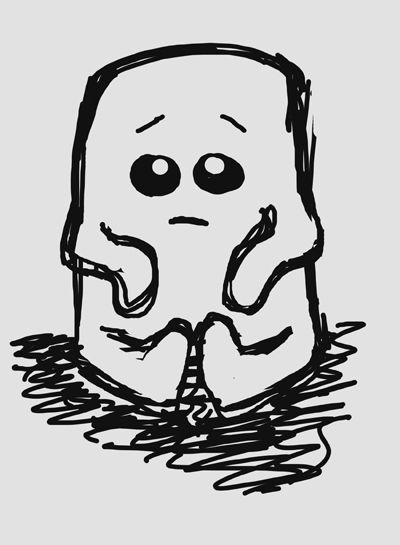
Yes, I know it's still only August, but I felt compelled to doodle a cartoon pumpkin holding a scythe yesterday. As you do. So I thought I'd quickly run through my process from taking a hand drawn picture through to a digital piece of art.
First of all, I drew the pumpkin in pencil, and outlined it using a 0.4mm black fine liner. I took a photo of it using my camera phone and emailed it to myself.
It's a bit dark and I need to be able to see the lines to trace them, so I used both the Levels and Brightness/Contrast command to tidy up the picture a little. Doesn't that look better?
Now I place this into Illustrator (on a locked layer) and I use the Pen Tool to trace around each of the shapes. I keep each thing on a separate layer, so the scythe is below the hands layer, and the feet are below the body layer, and so on. It gives much cleaner lines than trying to work with my original pen lines!
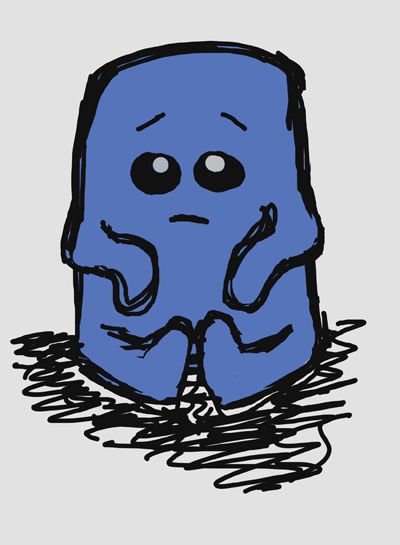
I use Illustrator to block fill each shape with flat colours. This gives me a solid base to work on when I get onto the next step.
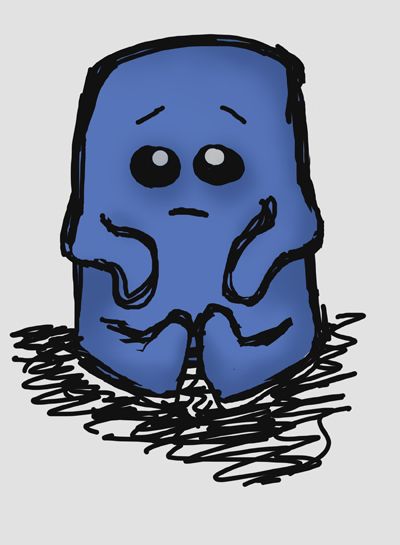
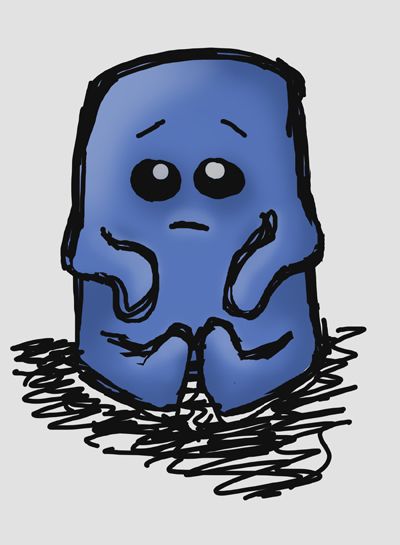
Now I take it into Photoshop and create a new 'shading' layer for each part of the pumpkin. Using a soft round brush at around 40% opacity, I add highlights and shadows by choosing lighter and darker shades of the flat colours. As a finishing touch, I applied a radial gradient to the background, and added a shadow beneath the pumpkin. I also used a canvas texture on a separate layer to add some punch to the piece. I also added a border with rounded corners, and a copyright notice.
Happy Halloween!